Read usage, search the audit log, and run compliance reports
Not included in DVARA Open Source.
The audit trail is the single source of truth for what happened in your workspace — who acted, what changed, what the data plane decided, when. Usage is the live financial lens on the same data; compliance reports are how you turn either of those into something an auditor will accept.
Sign in as any workspace role. The audit log and compliance reports work even when System Status shows Unavailable. Token usage and cost numbers do not refresh while the gateway is unavailable — they reflect the last data the data plane delivered.
Read this month's usage and cost
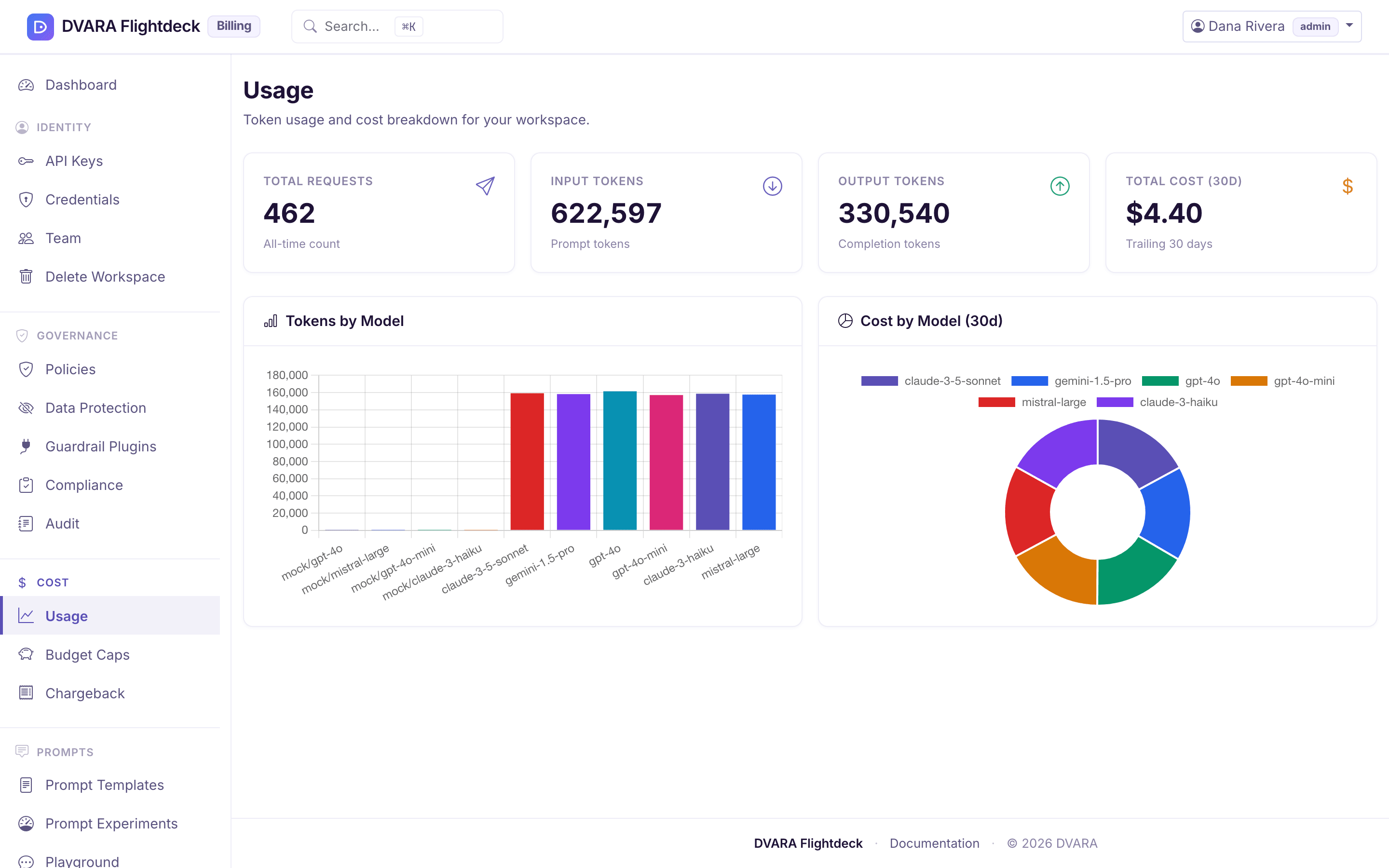
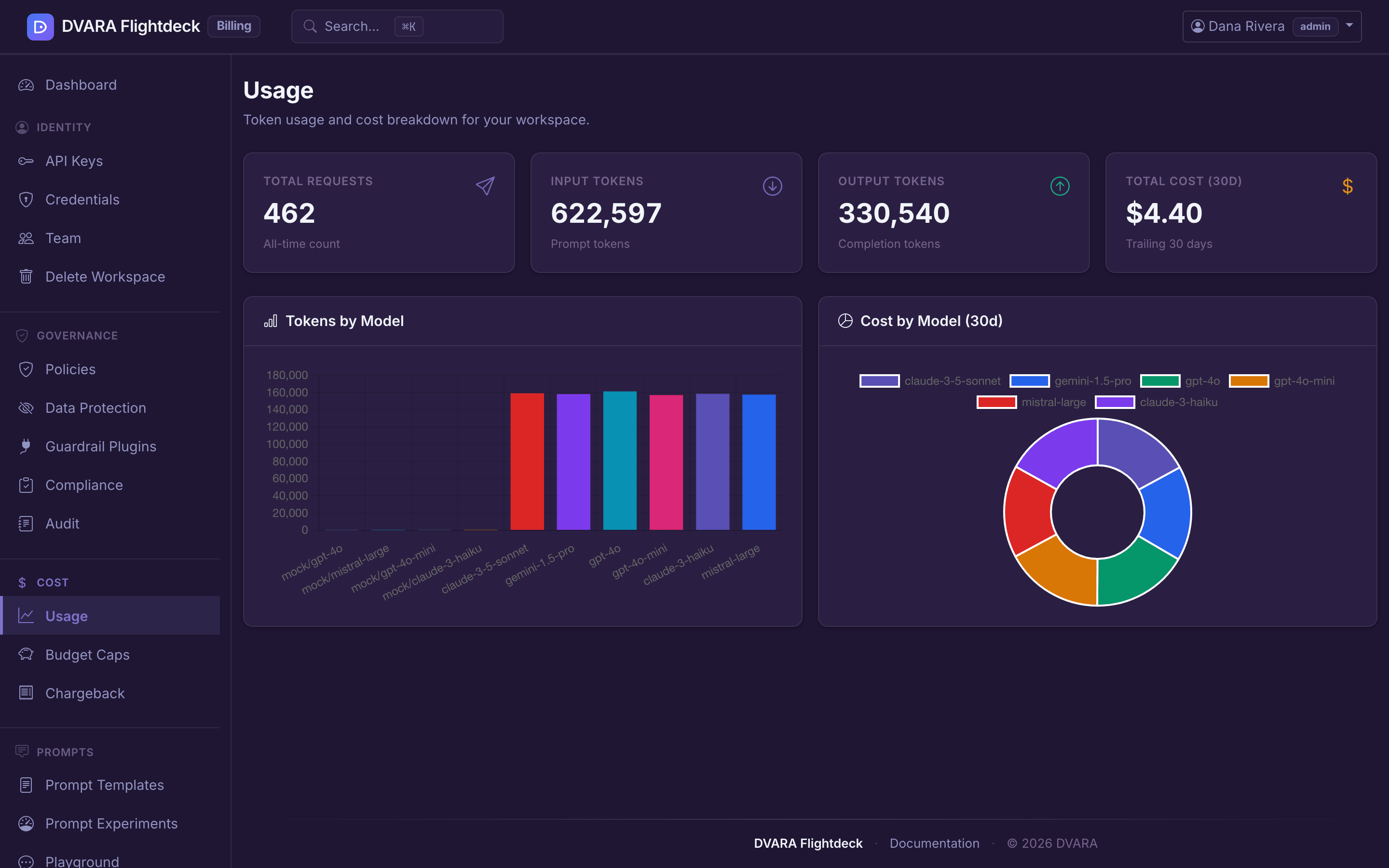
Open Cost → Usage in Flightdeck. The page shows totals (requests, input tokens, output tokens, and cost), a Tokens by Model chart, and a Cost by Model (30d) chart. When intelligent routing changed a call's model to a priced one, a Savings from intelligent routing table appears too. Numbers are scoped to your workspace and update on every successful data-plane response.
From 1.8.5 the page also shows how many input tokens were cached reads and cache writes, and how many output tokens were reasoning. Each part is inside its input or output total, so no total changes. The parts cover only calls since your install moved to 1.8.4; older calls count as zero.
Amounts are in US dollars. DVARA attributes
the underlying usage and cost records to an opaque API-key ID, but the workspace Usage page
page shows only workspace totals and model breakdowns. A workspace admin opens
Cost → Token Usage for the per-request key name and public prefix, for its own
workspace. The bearer credential is not stored with the telemetry.
When System Status shows Unavailable, the latest data is stale. Refresh the page after it shows Operational again.
Search the audit log
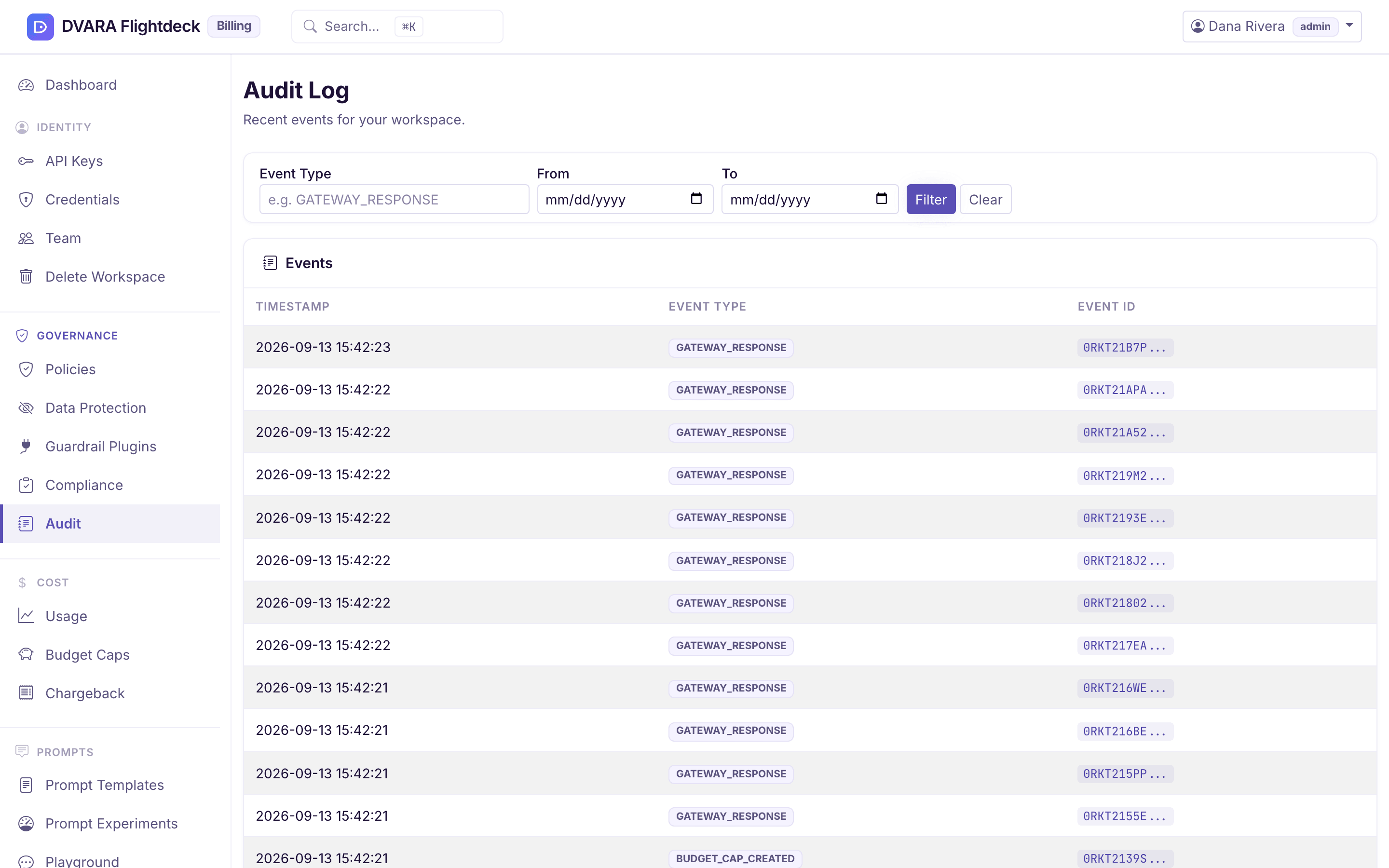
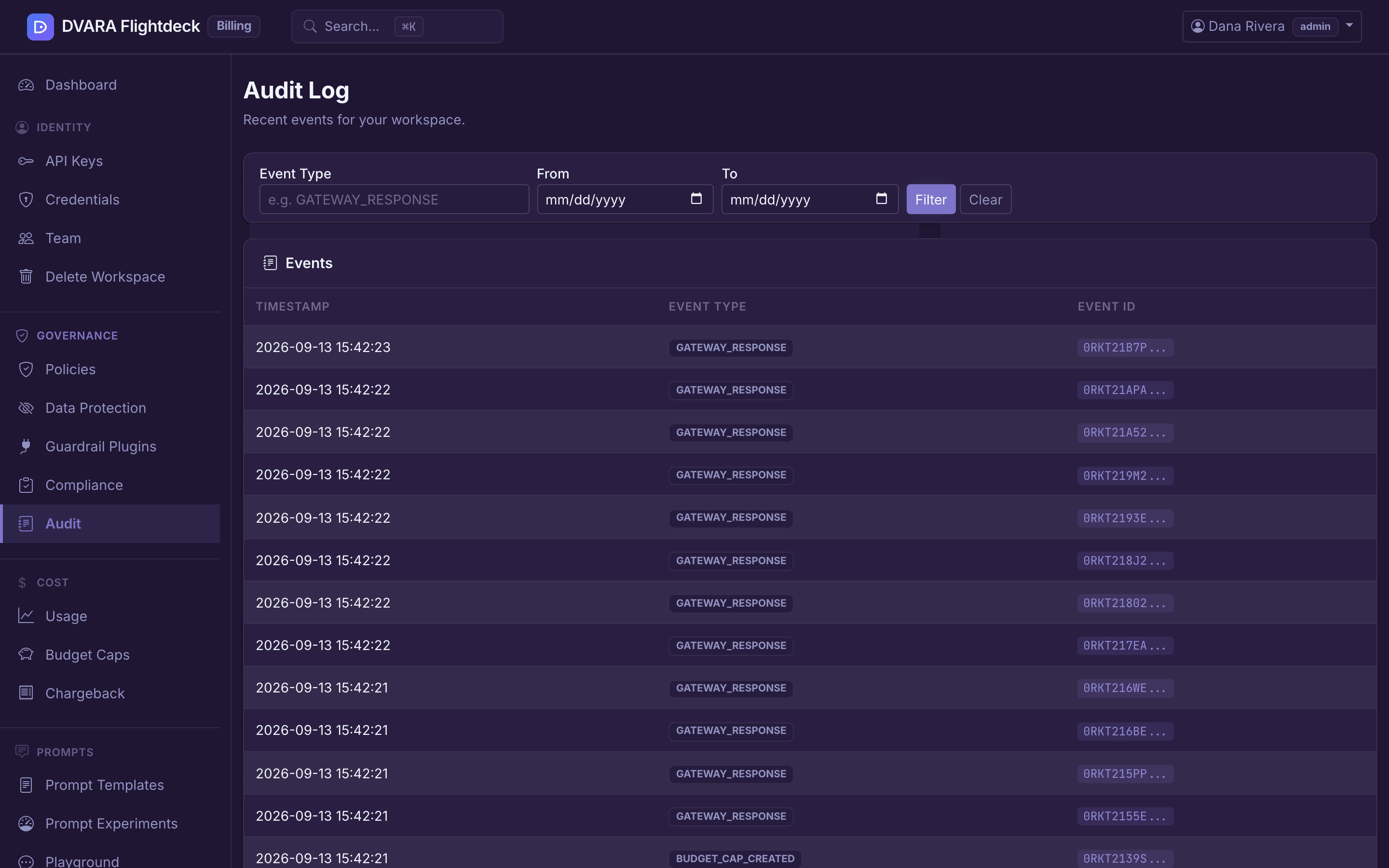
Open Audit in Flightdeck. Filter by:
- Event type — type the event name, for example
GATEWAY_RESPONSE. Each task page lists the events its actions emit. - Date range — any window. The audit store keeps events on the retention schedule your operator has configured (typically 90 days for prompt-bearing events, longer for structural ones).
Click a row to expand the full event payload. Common starting points:
POLICY_DENIED— what your active policies have rejectedBUDGET_CAP_HARD— requests rejected for crossing a hard budget capGUARDRAIL_BLOCKED— guardrail violations the data plane stoppedPII_DETECTED/PII_REDACTED/PII_TOKENIZED/PII_OUTPUT_LEAK— PII findings and actionsPROVIDER_CREDENTIAL_ROTATED— credential rotations (carries lineage to the previous credential)MCP_CREDENTIAL_ROTATED/MCP_CREDENTIAL_IN_USE— a change of the credential an MCP server sends, and when each gateway started sending the new one (from 1.9.0; see evidence of a credential change)WORKSPACE_PII_CONFIG_UPDATED/WORKSPACE_GUARDRAIL_CONFIG_UPDATED— every change you make on the data protection page lands here
Gateway request events carry the same opaque API-key ID as usage, cost, and
per-key budget records. A request without an authenticated key carries
anonymous; the plaintext key is never copied into the audit payload.
The audit store is append-only through Flightdeck and the API — neither surface exposes an update or delete path for audit events. Every row is signed and chained; tampering with the trail breaks the chain on the next verification pass.
What the gateway status means here
Two different stores back this page, and they are independent of each other:
- The audit log is available through Flightdeck. It does not depend on the data plane. Even when System Status shows Unavailable, workspace configuration changes still produce audit events, and search continues to return them.
- Usage and cost are produced by the data plane. When the gateway is unavailable, the data plane is not posting new usage rows, so the numbers freeze. They catch up automatically when System Status shows Operational again.
Generate a SOC2, HIPAA, GDPR, RBI, or SEBI report
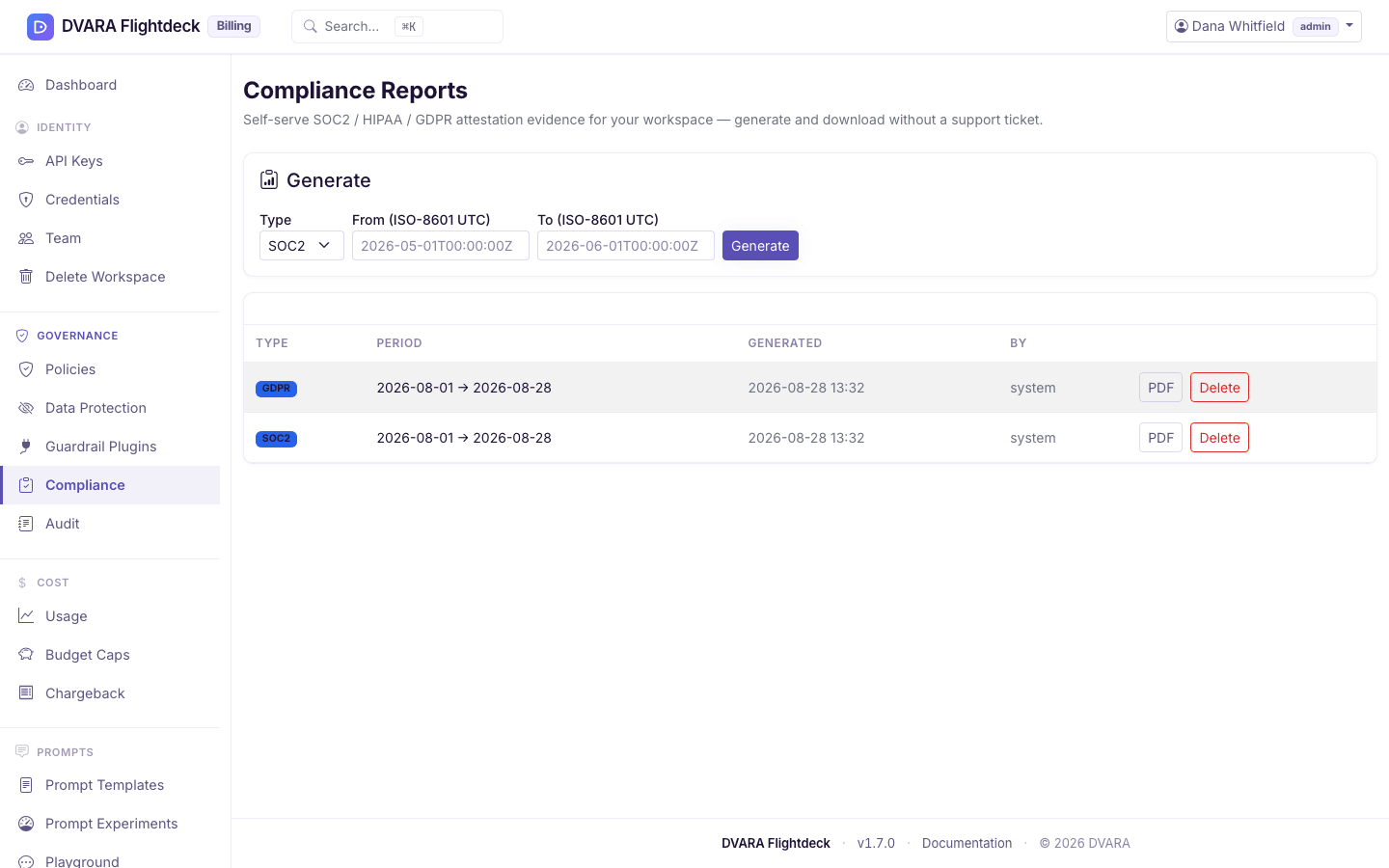
Open Governance → Compliance in Flightdeck. A workspace admin or developer can generate a report; a viewer can read and download reports but not generate them. Pick:
- The report type —
SOC2,HIPAA,GDPR, or IndiaRBI/SEBI. - The date range — typically the previous calendar quarter for SOC2, the relevant window for an incident-driven HIPAA review, or an arbitrary range for GDPR data-subject requests. The India
RBI/SEBIreports aggregate data-localization (residency), tamper-evident audit-chain integrity, access control, and policy enforcement over the window.
The report aggregates the audit trail and configuration state for your workspace into a formatted PDF. It pulls from your workspace's audit events, your policies, your workspace settings, and the integrity verification of the audit chain itself for that window.
Every report type also has an MCP Credential Changes section. It counts the changes to the secrets your MCP servers use in the window (created, rotated, revoked, and failed rotations) and lists each one: when, which server, what was done, who did it, which secret, and a fingerprint of the old and new value. A fingerprint identifies a secret without revealing it; the secret itself never appears in the report. If nothing changed in the window, the section says so.
The PDF is generated server-side and stored alongside the metadata. It is a point-in-time snapshot — once generated, the numbers cannot drift.
Download or delete a past report
Every generated report has a PDF download and a status. By default a report
stays downloadable until it is deleted. If your operator set
dvara.flightdeck.reports.retention-days, reports older than that are deleted;
a download then returns 410 Gone and the row shows Expired. Generate the same
report type for the original workspace and evidence window again. Report IDs remain
workspace-scoped, and filenames use safe type, workspace, and date parts. An
admin can delete a report earlier.
What every action writes to the audit trail
| Action | Audit event |
|---|---|
| Generate a compliance report | COMPLIANCE_REPORT_GENERATED (carries report_type) |
| Delete a compliance report | COMPLIANCE_REPORT_DELETED |
Browsing usage and searching the audit log are read-only and not audited. PDF and CSV report downloads are also not audited — the generation event is the audited record.
Next steps
- Pair compliance with PII posture
- Tie spend to compliance with chargeback reports
- Audit every action your team takes